
Converter
Bricks offers multiple so-called “Converter” options.
The Converter is a built-in tool that scans your database for outdated Bricks data and automatically updates it to the latest valid syntax of the installed version.
To run the Converter, go to “Bricks > Settings > General” and click the “Converter” button.
Depending on your server and the size of your Bricks data, this process can take a minute or two. Please do not close or refresh the page until you see the green “THE END” success message:
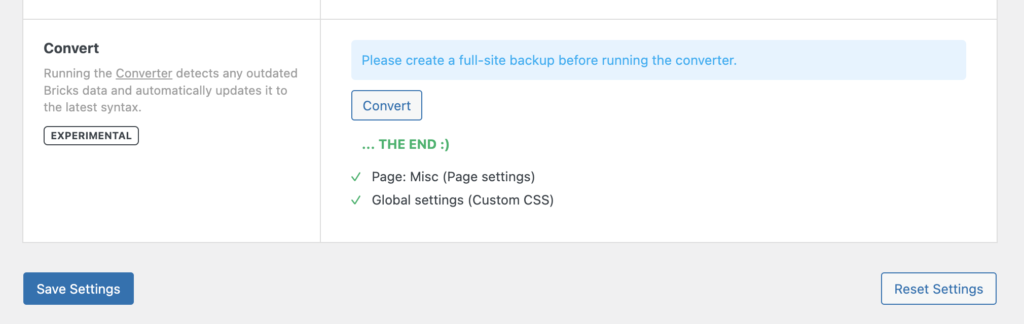
Converter results: Updated Page Settings & Global Custom CSS
What is being converted?
Section titled “What is being converted?”With the improved DOM structure and element ID & class names, Bricks replaced the old bricks-element- ID & class name prefix with a more succinct brx- prefix.
Running the Converter goes over the following pieces of Bricks data and does an automated “Search & Replace” of those strings for you:
- Bricks global settings
- Bricks page settings
- Bricks page data
- Global elements
- Bricks templates
You shouldn’t have to run the Converter if you aren’t using any custom CSS/JS.